
How Rental Force Works
A comprehensive platform connecting contractors with heavy machinery suppliers through two powerful applications
Quotations Flow
Request based competitive biddings

Best For:
• Urgent machinery needs
• Market price discovery
• Competitive pricing

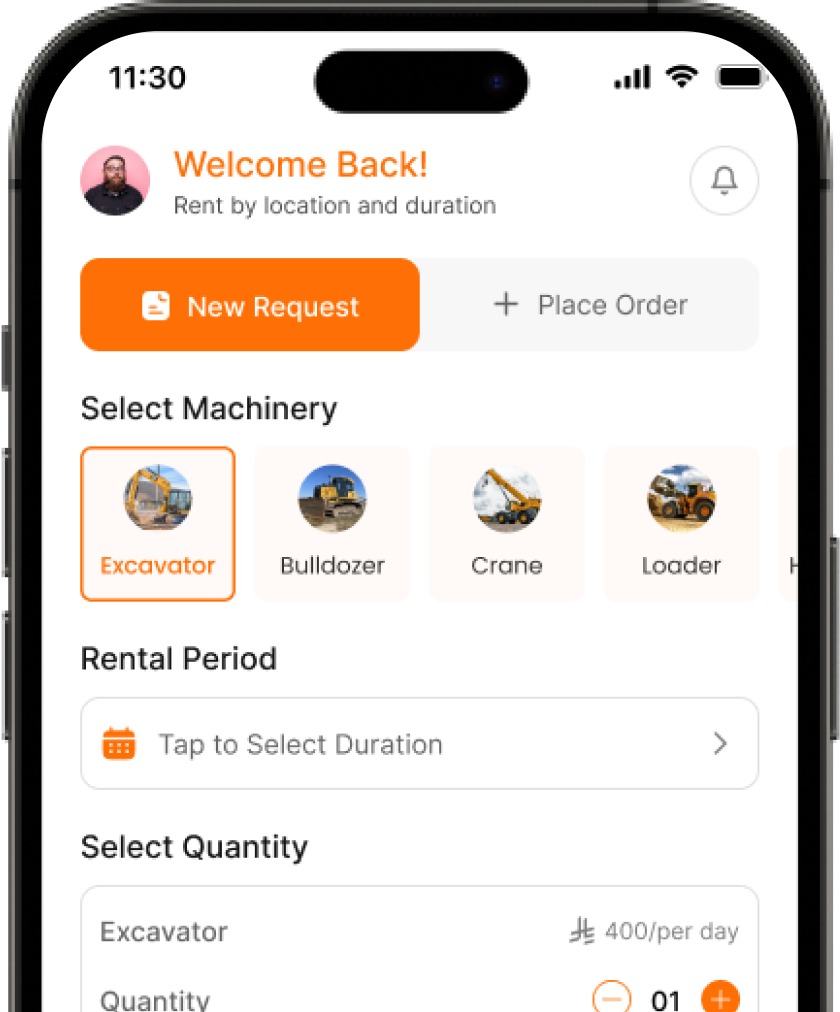
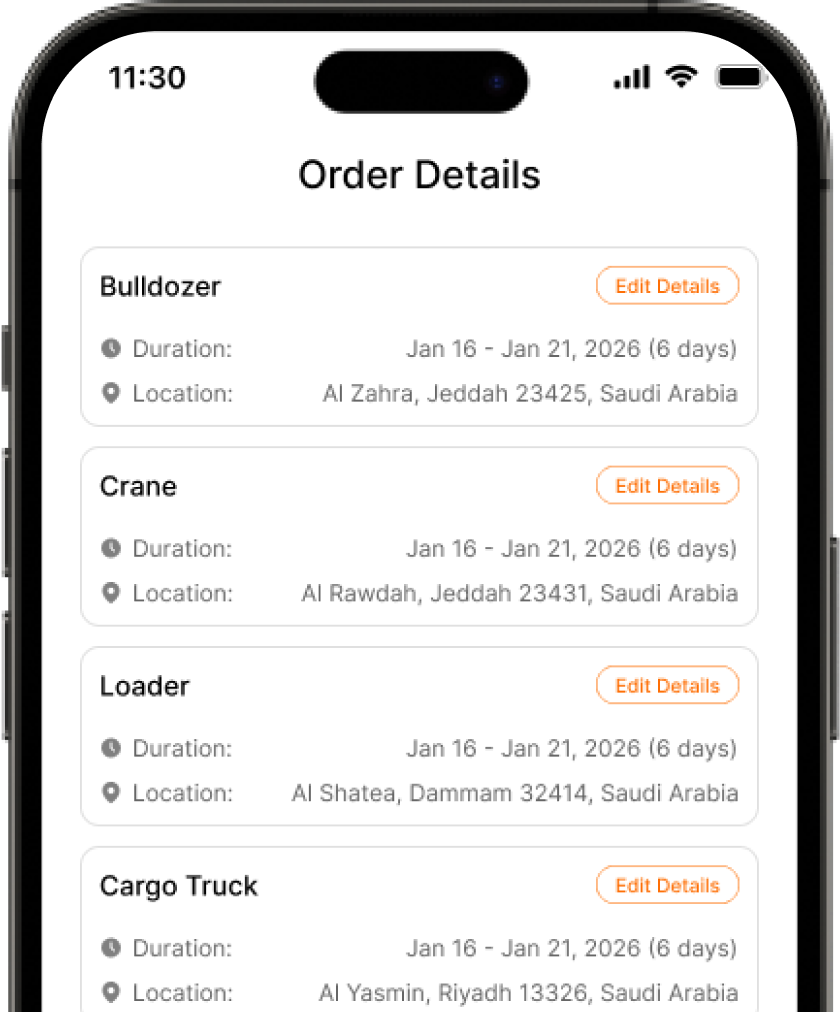
Create & Broadcast Request
Select your machinery category and location to launch a real time auction for your project needs.

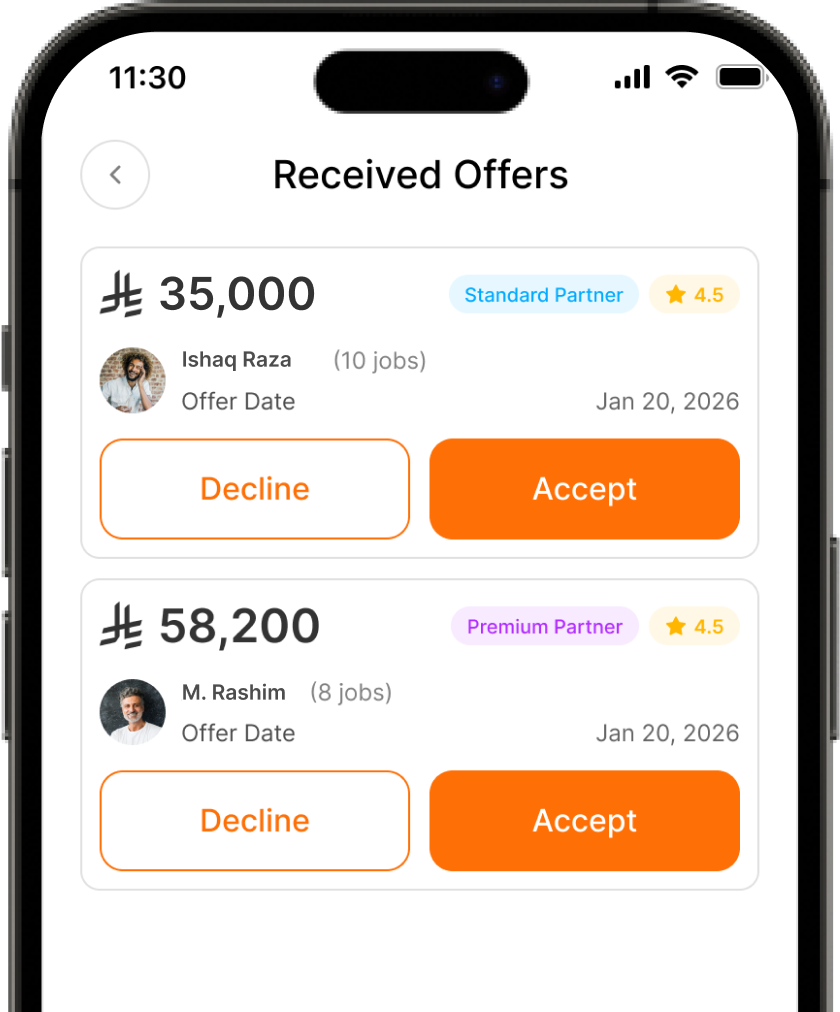
Compare & Accept Offers
Watch live bids from verified providers and choose the best offer based on price, rating, and specs.

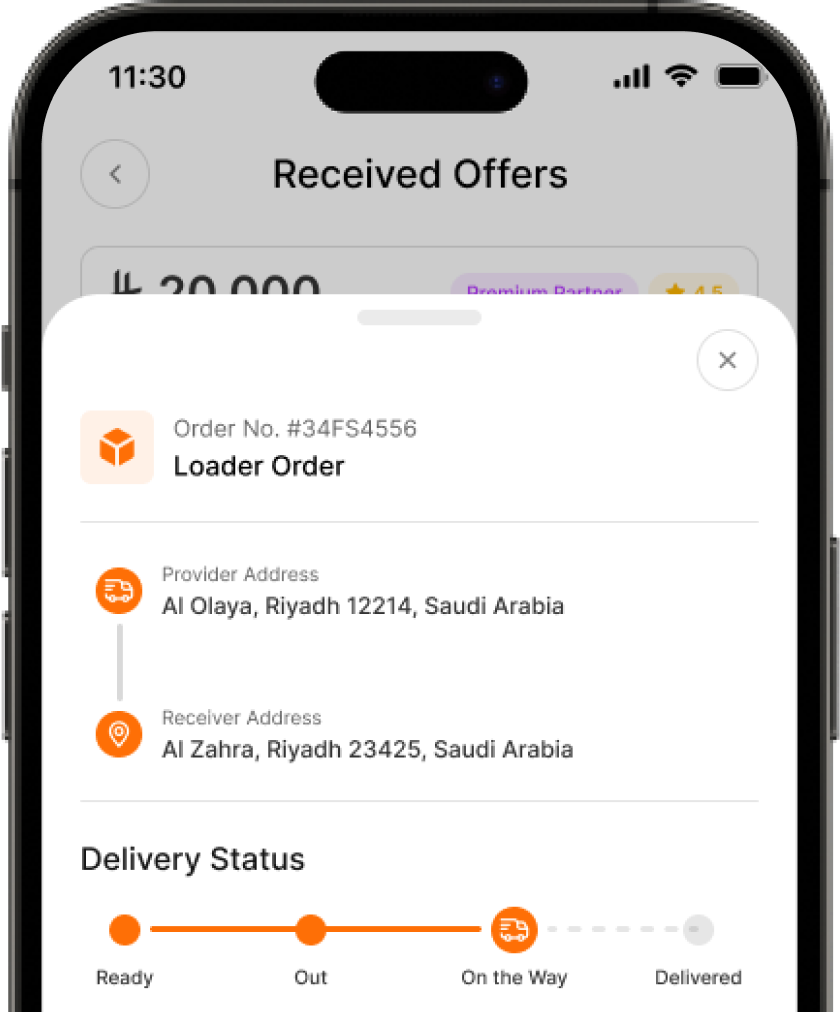
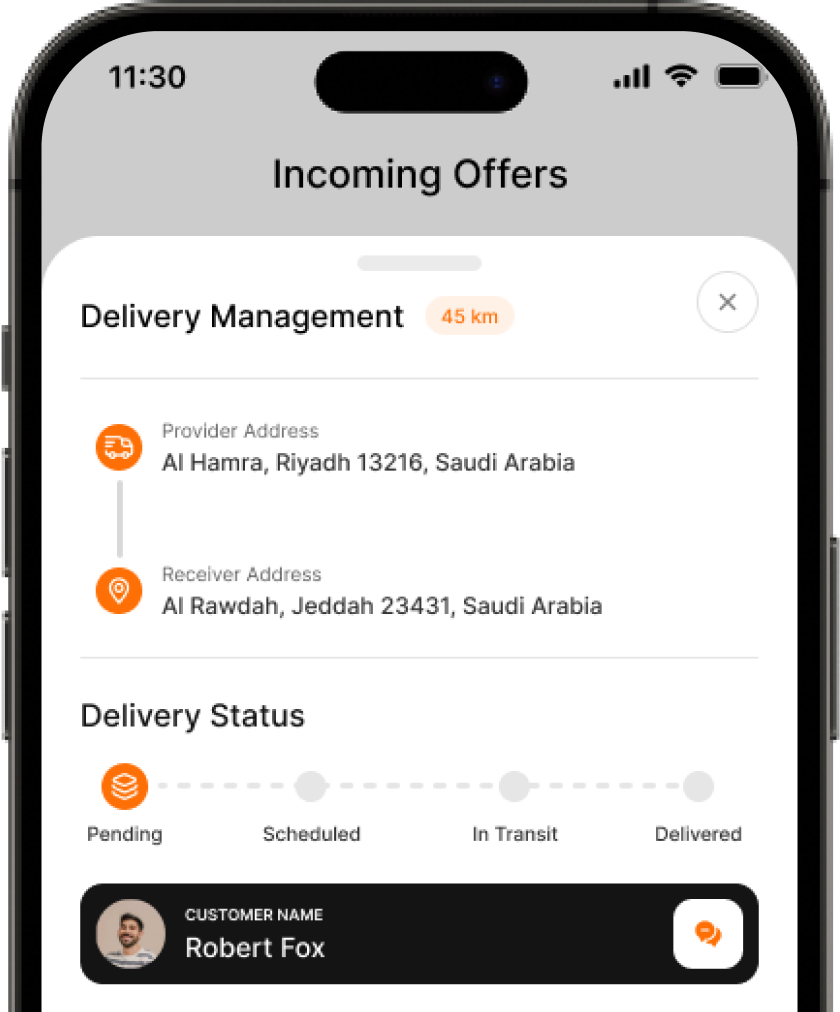
Track & Manage Rental
Monitor real time GPS delivery and manage your active rental period through our direct communication tools.

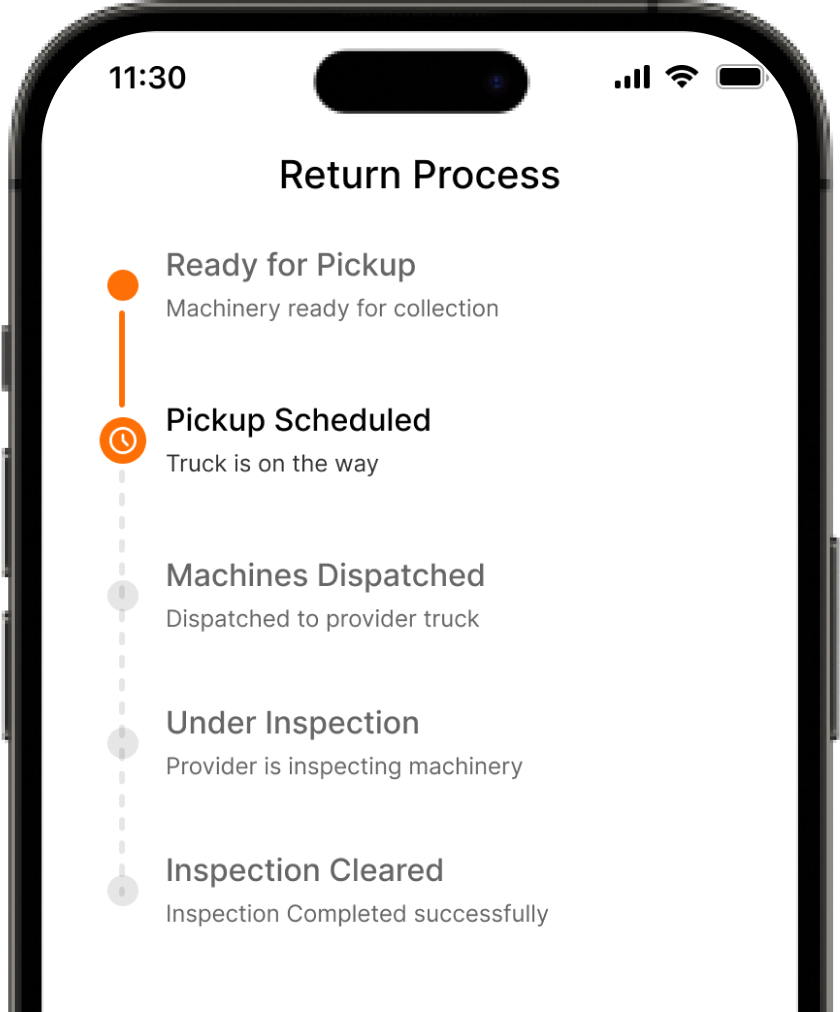
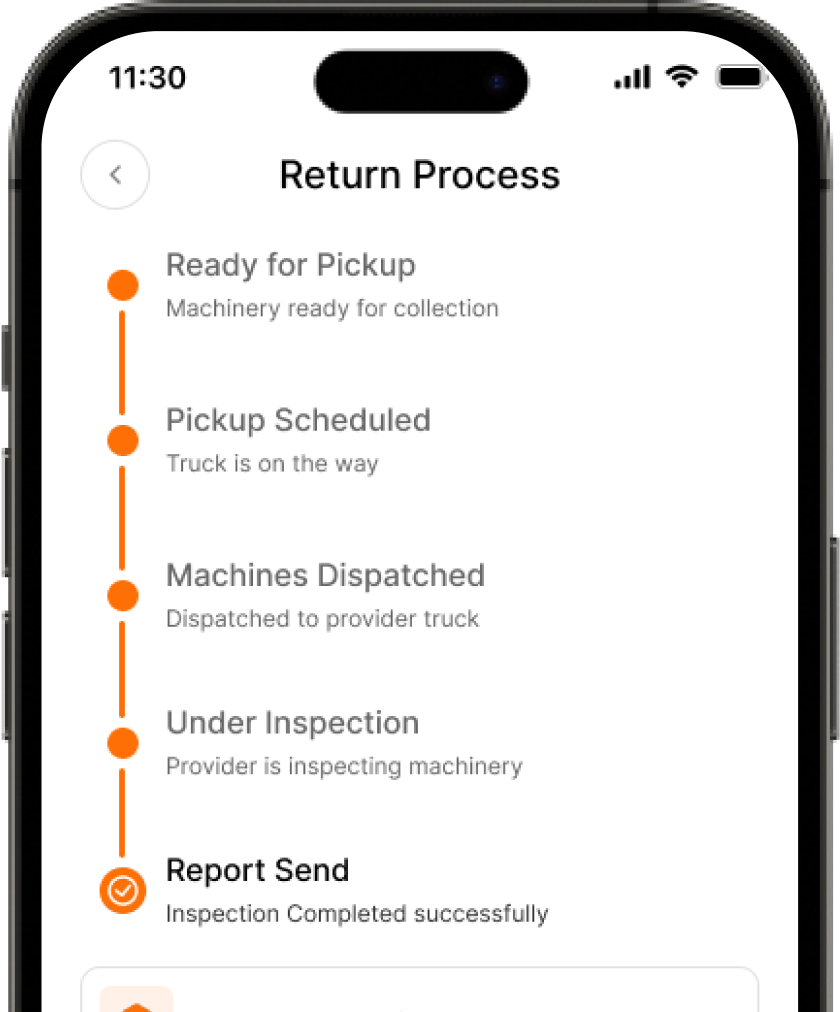
Return, Pay & Rate
Initiate easy equipment returns, process secure payments, and leave feedback on your rental experience.
Create & Broadcast Request
Select your machinery category and location to launch a real time auction for your project needs.
Compare & Accept Offers
Watch live bids from verified providers and choose the best offer based on price, rating, and specs.
Track & Manage Rental
Monitor real time GPS delivery and manage your active rental period through our direct communication tools.
Return, Pay & Rate
Initiate easy equipment returns, process secure payments, and leave feedback on your rental experience.


Bidding Flow
Marketplace browsing with competitive bids
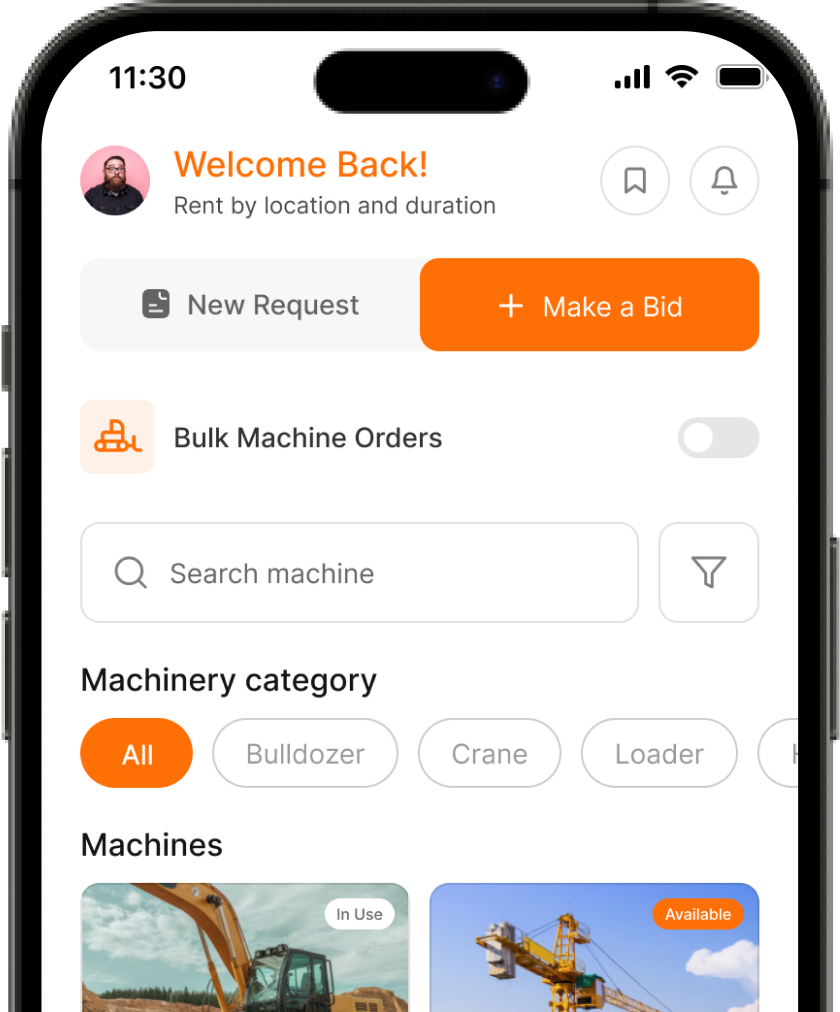
Browse & Request
Search the marketplace for machinery and submit a broadcast request with your specific project details.
Secure Competitive Bids
Watch a real time auction window where verified providers compete to offer you the best competitive rates.
Track & Manage Delivery
Monitor your equipment with real time GPS tracking from the moment it is scheduled until it arrives at your site.
Close with Confidence
Manage your active rental, process secure final billing, and provide feedback on the machinery and service.
Browse & Request
Search the marketplace for machinery and submit a broadcast request with your specific project details.
Secure Competitive Bids
Watch a real time auction window where verified providers compete to offer you the best competitive rates.
Track & Manage Delivery
Monitor your equipment with real time GPS tracking from the moment it is scheduled until it arrives at your site.
Close with Confidence
Manage your active rental, process secure final billing, and provide feedback on the machinery and service.

Best For:
• Planned rentals with lead time
• Browsing specific machinery
• Budget certainty


Flexible Subscription Plans
Choose the plan that fits your business needs. Both users and providers select from three tiers.
Basic
 0/mon
0/mon10 Credits
It Includes:
It Includes:



Professional
149/mon40 Credits
It Includes:
It Includes:

Enterprise
259/monUnlimited
It Includes:
It Includes:
Platform Features
Built with cutting edge technology for the best user experience

Google Maps Integration
Precise location selection, real time GPS tracking, and route optimization for deliveries.

Push Notifications
Instant alerts for offers, delivery updates, payment confirmations and more.

KYC Verification
Secure onboarding with Document verification for both users and providers.

Integrated Payments
Seamless payment processing with cards, bank transfers, and digital wallets.

Real Time Tracking
15 second polling updates during delivery with status progression indicators.

Rating System
Comprehensive feedback on equipment condition, communication, and punctuality.
Platform Features
Built with cutting edge technology for the best user experience
Google Maps Integration
Precise location selection, real time GPS tracking, and route optimization for deliveries.
Push Notifications
Instant alerts for offers, delivery updates, payment confirmations and more.
KYC Verification
Secure onboarding with Document verification for both users and providers.
Integrated Payments
Seamless payment processing with cards, bank transfers, and digital wallets.
Real Time Tracking
15 second polling updates during delivery with status progression indicators.
Rating System
Comprehensive feedback on equipment condition, communication, and punctuality.